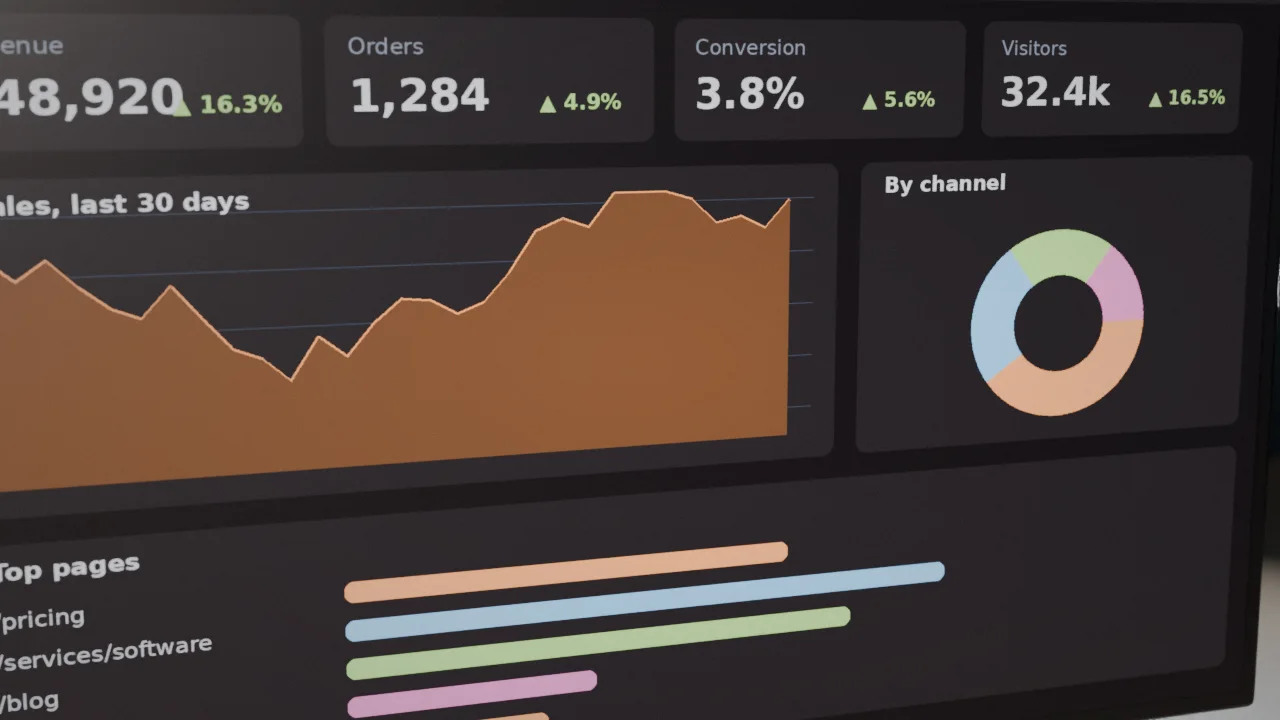
Few features feel as magical as watching a colleague's cursor move through a shared document while your edits appear in theirs instantly. Real-time collaboration has become an expectation in design tools, spreadsheets, project boards, whiteboards and even CRMs. Under the hood it combines persistent connections, clever algorithms for merging simultaneous edits, and infrastructure that scales. This guide explains how those pieces fit together and how to decide what to build and what to buy.

What "real-time" features are worth building
- Live updates: dashboards, order status, notifications and lists that refresh without reloading.
- Presence: who is online, who is viewing this record, who is typing.
- Chat and comments: threaded discussion attached to work items.
- Shared cursors and selections in editors, canvases and forms.
- Co-editing: multiple people modifying the same document, sheet, diagram or board at once.
- Live control and telemetry: monitoring equipment, tracking vehicles, auctions and games.
Each level up in that list is significantly more complex. Many products need only live updates and presence, which is far simpler than full co-editing.

The transport: WebSockets and friends
Traditional web requests are one-shot: the browser asks, the server answers. WebSockets open a persistent two-way channel so either side can send messages at any time with minimal overhead. Server-sent events offer a simpler one-way stream from server to browser and suit notifications and live feeds. Long polling and periodic polling are fallbacks for restrictive networks and low-frequency updates. WebRTC enables direct peer-to-peer channels and media. Use libraries and managed services that handle reconnection, heartbeat, fallbacks and message buffering, because networks drop connections constantly, especially on mobile.
The hard part: merging simultaneous edits
If two people edit the same paragraph at once, whose change wins? Two families of algorithms solve this:
- Operational transformation (OT). Used by early collaborative editors. Each edit is an operation; a central server transforms concurrent operations so they can be applied in a consistent order. Proven, but intricate to implement correctly.
- Conflict-free replicated data types (CRDTs). Data structures designed so that edits made independently on different devices always merge to the same result, without a central arbiter. They handle offline editing and peer-to-peer naturally, at the cost of extra metadata and memory. Several mature open-source libraries implement CRDTs for text, lists and maps.
Do not invent your own merge algorithm. Use a proven library, and choose granularity carefully: a whiteboard with independent objects needs far simpler rules than a rich-text document.
Simpler patterns that often suffice
Not every feature needs OT or CRDTs. For forms and records, consider record locking ("Sam is editing this"), field-level last-write-wins with change indicators, optimistic concurrency where saves fail if the record changed and offer a merge screen, or append-only structures such as comments and activity logs. Match the technique to the risk of overwriting someone's work. The conflict handling ideas in our offline-first article apply here too.
Architecture
A WebSocket server maintains many long-lived connections, so it behaves differently from a stateless web request server. Typical designs put a gateway layer in front that authenticates connections and manages presence, a publish/subscribe message bus (an in-memory data store or message broker) that fans out events between servers so a message reaches every subscriber regardless of which server holds their connection, and a persistence layer that stores snapshots and operation history for recovery and audit. Keep the gateway stateless where possible, store document state outside, and make reconnection cheap: clients resume from the last acknowledged version. See our scalable architecture guide and our high-availability guide.

Scaling and cost
Each connection consumes memory, and broadcasting to many subscribers multiplies network traffic. Plan capacity by concurrent connections and messages per second, not page views. Reduce load by sending diffs, not whole documents, batching and throttling high-frequency events such as cursor movement, sharding rooms or documents across servers, and using efficient message formats. Load balancers must support WebSockets and sticky routing, and rolling deployments must drain connections gracefully; see our zero-downtime deployment guide. Test with realistic load beforehand, as in our traffic spike playbook.
Security and permissions
- Authenticate every connection with short-lived tokens, and re-check authorisation for each channel or document subscription, not just at connection time.
- Enforce permissions on the server. Never trust client messages about who they are or what they may edit.
- Validate and rate-limit messages to prevent abuse and denial of service, and cap message sizes.
- Prevent cross-tenant leakage: channels must be scoped to tenants; see our multi-client architecture article.
- Use secure WebSockets (wss) and validate the origin.
- Log significant events for audit (audit logging).

Presence and user experience
Good collaboration UX gives users confidence. Show avatars of who is present, colour-coded cursors and selections, typing indicators, "saving..." and "all changes saved" states, and gentle handling of disconnections: keep local edits, show offline status and re-merge on reconnection. Support undo and redo that affect only the user's own changes, version history with restore, and comments and mentions tied to notifications (notification systems). Respect accessibility: announce updates for screen readers without spamming them.
Build or buy?
Managed real-time platforms and open-source collaboration frameworks now provide presence, rooms, message delivery and even ready-made collaborative text and canvas components. Buying saves months and avoids subtle bugs, at the price of vendor dependency, per-connection costs and less control. Build your own infrastructure when you have unusual requirements, strict data residency, extreme scale where costs dominate, or collaboration is the core of your product. A common path is to start with a managed service or library, learn what users actually need, and replace pieces later if required. Compare with the approach in our model strategy article, which follows the same logic.
Testing real-time systems
Simulate flaky networks, latency, reordering, duplicate messages and many simultaneous editors. Property-based and fuzz tests are excellent for merge logic. Test reconnection, server restarts during editing, and deployments with active users. Monitor connection counts, message latency, dropped connections and error rates, as in our monitoring guide.
Pitfalls
- Building a co-editing engine when live updates would satisfy users.
- Ignoring reconnection and offline behaviour, so users lose work.
- Checking permissions only when a connection opens.
- Broadcasting every keystroke and cursor movement without throttling.
- Scaling servers without a shared message bus.
Start with the smallest real-time feature that delivers value, and grow into richer collaboration as usage proves the need. Our software team builds real-time features and collaborative tools, and our hosting and maintenance plans provide the scalable, monitored infrastructure they require.
Put this into practice with CodeLuma
CodeLuma builds real-time collaborative features such as shared editing, live dashboards, chat and presence, with the scaling and security needed to run them for real teams.
- Custom software development - tailored systems, integrations and internal tools.
- Website and web application development - fast, accessible, search-friendly builds.
- Managed hosting - monitored, backed-up, Canadian-friendly hosting.
- Maintenance and support plans - updates, monitoring and ongoing improvement.
Start a conversation. Tell us about your project and we will reply with practical next steps, or browse all CodeLuma services. CodeLuma Development Inc. is based in Nova Scotia and works with teams across Canada and remotely.