Search engine optimisation has two halves: what your pages say and how well search engines can find, understand and trust them. The second half is technical SEO, and it is where many websites quietly lose visibility. Great content on a site that search engines cannot crawl properly, or that is slow and confusing, underperforms. This checklist is written for both developers, who implement the fixes, and business owners, who need to know what to ask for and why it matters.
1. Crawlability and indexing
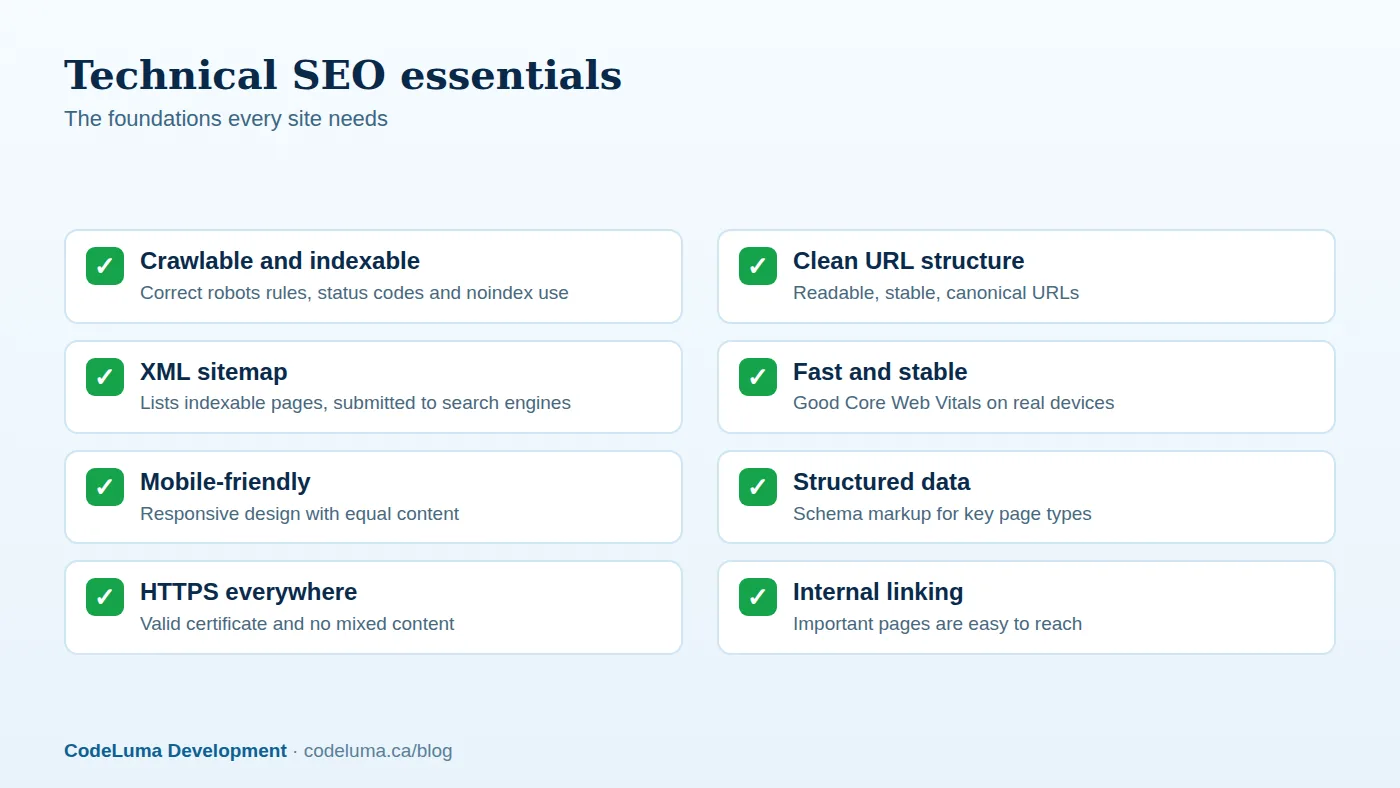
- robots.txt. Confirm it does not block important pages, scripts or styles. Use it to keep crawlers out of infinite or private areas, and reference your sitemap.
- Status codes. Important pages return 200. Removed pages return 404 or 410. Moved pages return 301. Fix soft 404s, where an error page returns 200, and long redirect chains.
- Noindex and canonical tags. Use noindex deliberately for thin or private pages, and confirm you have not accidentally noindexed important templates, a surprisingly common launch mistake. Every indexable page should have a self-referencing or correct canonical.
- Index coverage. In Google Search Console, review pages reported as excluded, discovered but not indexed, or crawled but not indexed, and understand why.
- JavaScript rendering. Make sure key content and links appear in the rendered HTML. Test with the URL Inspection tool.

2. Site architecture and URLs
- Use short, descriptive, lowercase URLs with hyphens, and keep them stable.
- Keep important pages within a few clicks of the home page.
- Use logical categories and breadcrumbs with structured data.
- Avoid duplicate versions: choose one of www or non-www, one protocol and one trailing-slash convention, and redirect the others.
- Control faceted navigation and parameter URLs so crawlers do not waste time on endless filter combinations.
- Handle pagination clearly and make sure deeper pages remain reachable through crawlable links.
3. XML sitemaps
Provide an XML sitemap that lists only canonical, indexable, 200-status URLs, with accurate last-modified dates. Split large sites into multiple sitemaps under a sitemap index. Reference it in robots.txt and submit it in Google Search Console and Bing Webmaster Tools. Keep images and video in separate sitemaps if they matter to your traffic.
4. On-page technical elements
- Unique, descriptive title tags and meta descriptions for each page.
- One clear H1 and logical heading structure.
- Descriptive alt text on meaningful images.
- Internal links with descriptive anchor text.
- Open Graph and social metadata for good link previews.
- A correct lang attribute and, for multilingual sites, hreflang annotations.
5. Speed and Core Web Vitals
Measure real-user data for your key templates and aim for good Largest Contentful Paint, Interaction to Next Paint and Cumulative Layout Shift. Optimise images, caching, scripts and hosting. Our detailed guide to Core Web Vitals covers the fixes, and the business impact of slow load times explains why they matter commercially.
6. Mobile-first
Google predominantly uses the mobile version of a page for indexing. Ensure the mobile version has the same content, structured data and metadata as desktop, that text is readable without zooming, that tap targets are adequately sized and spaced, and that nothing important is hidden or blocked on mobile. See our guide to mobile-first optimisation.
7. Structured data
Schema markup helps search engines understand your content and can make pages eligible for rich results. Use JSON-LD for Organization, LocalBusiness, Product, Article or BlogPosting, BreadcrumbList, FAQPage where genuinely applicable, and Review markup that follows the guidelines. Validate with the Rich Results Test and monitor Search Console for errors. Structured data must match visible content; marking up things users cannot see risks penalties.

8. Security and HTTPS
Serve the whole site over HTTPS with a valid certificate, redirect HTTP to HTTPS, fix mixed-content warnings and use HSTS where appropriate. Keep software patched; hacked sites can be flagged and de-indexed. Monitor for injected spam pages.
9. International and local
If you serve several languages or countries, use separate URLs for each and implement hreflang correctly, with reciprocal references. Avoid automatic redirects based purely on IP address, which can block crawlers and users. For local businesses, keep your Google Business Profile, on-site NAP (name, address, phone) details and LocalBusiness markup consistent.
10. Content-related technical issues
- Avoid duplicate or near-duplicate pages; consolidate them with canonicals or redirects.
- Fix thin or auto-generated pages that add no value.
- Keep an eye on orphan pages that receive no internal links.
- Update or redirect outdated content rather than leaving dead ends.
11. Monitoring and maintenance
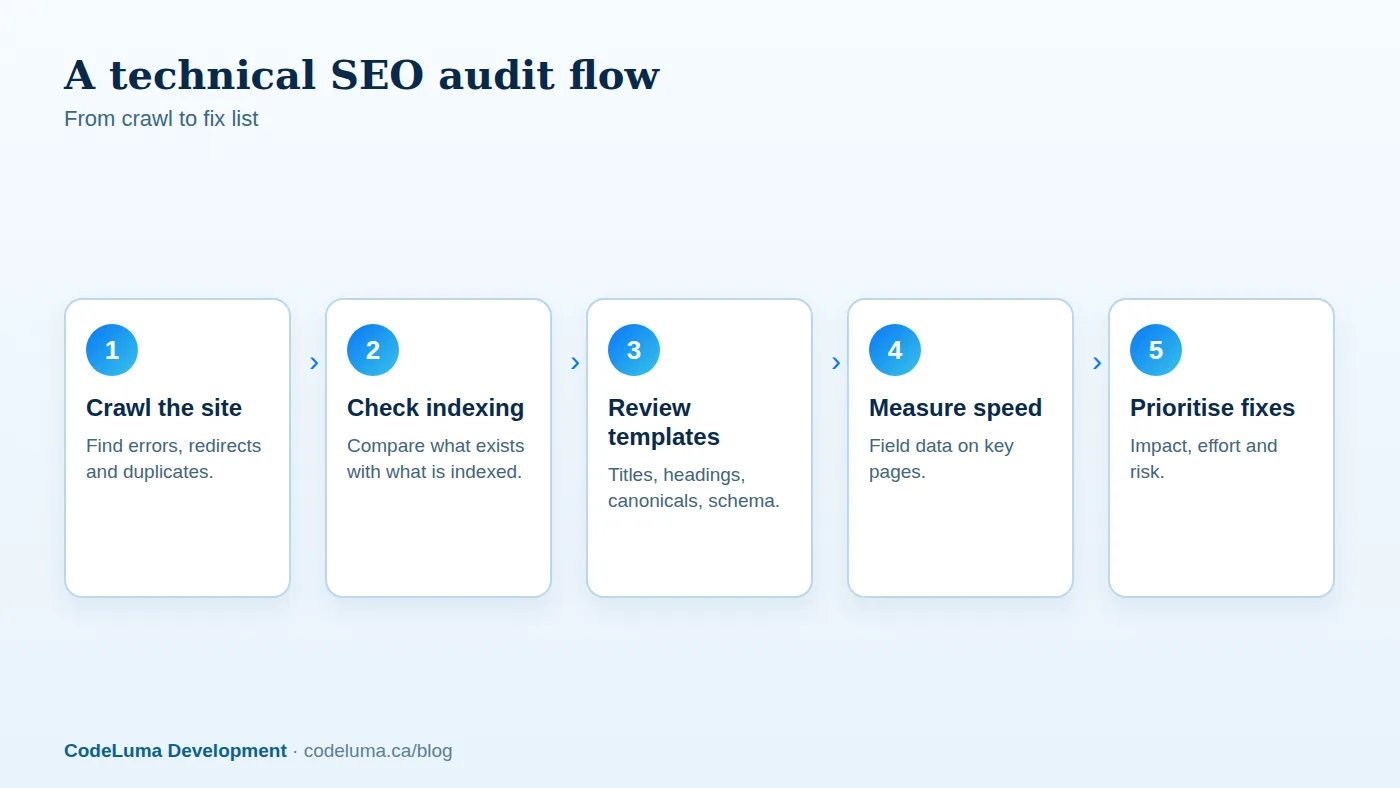
Technical SEO is ongoing. Set up Search Console and Bing Webmaster Tools, review coverage and Core Web Vitals reports monthly, crawl the site regularly to catch broken links, redirect chains and template regressions, and add SEO checks to your deployment process so a release cannot quietly noindex your whole site. Keep a change log; when rankings move, you will want to know what changed and when.
Quick prioritisation guide for business owners
- Fix anything that blocks indexing or returns errors on important pages.
- Fix site speed and mobile issues on the pages that earn or convert traffic.
- Clean up duplicates, redirects and canonical problems.
- Add structured data and improve titles and descriptions on key pages.
- Improve internal linking to pages that deserve more visibility.
Ask your developer or agency for a prioritised list with expected impact and effort, not just a list of warnings. A technical audit from a development team that also builds and maintains the site can turn that list into shipped fixes quickly.
Put this into practice with CodeLuma
CodeLuma builds technical SEO into the architecture from day one and audits existing sites against this checklist, then hands you a prioritised fix list instead of a vague report.
- Website and web application development - fast, accessible, search-friendly builds.
- Custom software development - tailored systems, integrations and internal tools.
- Maintenance and support plans - updates, monitoring and ongoing improvement.
Start a conversation. Tell us about your project and we will reply with practical next steps, or browse all CodeLuma services. CodeLuma Development Inc. is based in Nova Scotia and works with teams across Canada and remotely.